What Causes BIOS Corruption? Updates, Lookalikes, and Recovery
TL;DR: An interrupted firmware update or wrong image can damage BIOS/UEFI code. A weak CMOS/RTC battery usually resets settings instead, while hardware faults may only look like firmware corruption. Use model-specific diagnostics before recovery or reflashing.
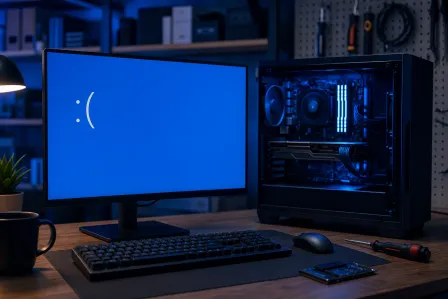
Your PC sits there. No boot logo. No Windows spinner. Just a black screen, a blinking cursor, or a cryptic POST error code that means absolutely nothing to a normal human being. If that sounds familiar, BIOS corruption might be your problem.
The BIOS (or its modern cousin, UEFI) is the first piece of software your PC runs the moment you press the power button. It initializes your hardware, runs a quick self-test, and hands control off to your operating system. When it gets corrupted, that handoff never happens. The whole machine just sits there looking sorry for itself.
So, what causes BIOS corruption? There are six main reasons, and understanding them can save you a serious headache, or at minimum, help you explain the situation clearly when you bring your machine in for computer repair.
1. Power Interruption During a BIOS Update
This is the most common cause. Bar none.
A firmware update writes code to nonvolatile storage. Interruption during a critical write can leave a system unable to boot, although recovery features vary by model. Dell distinguishes firmware recovery from loading BIOS defaults.
This happens more often in South Florida than you might think. We get power blips, brownouts, and outright outages, especially during storm season. If you are running a BIOS update during a summer afternoon thunderstorm in Palm Beach County and your power flickers, you may be looking at a corrupted chip.
What to do: Follow the manufacturer’s update and power instructions for your exact model. A charged laptop battery or stable desktop power can reduce interruption risk. Apply firmware updates when the maker recommends them for a relevant fix or security issue; do not assume every update is unnecessary.
2. CMOS/RTC Battery Problems That Resemble Firmware Corruption
This one is sneaky because it does not always look like corruption at first.
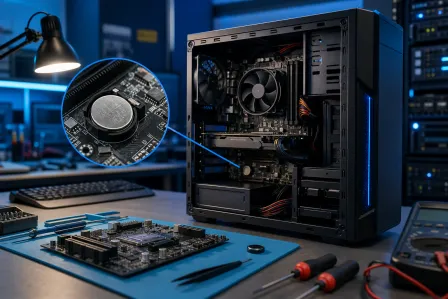
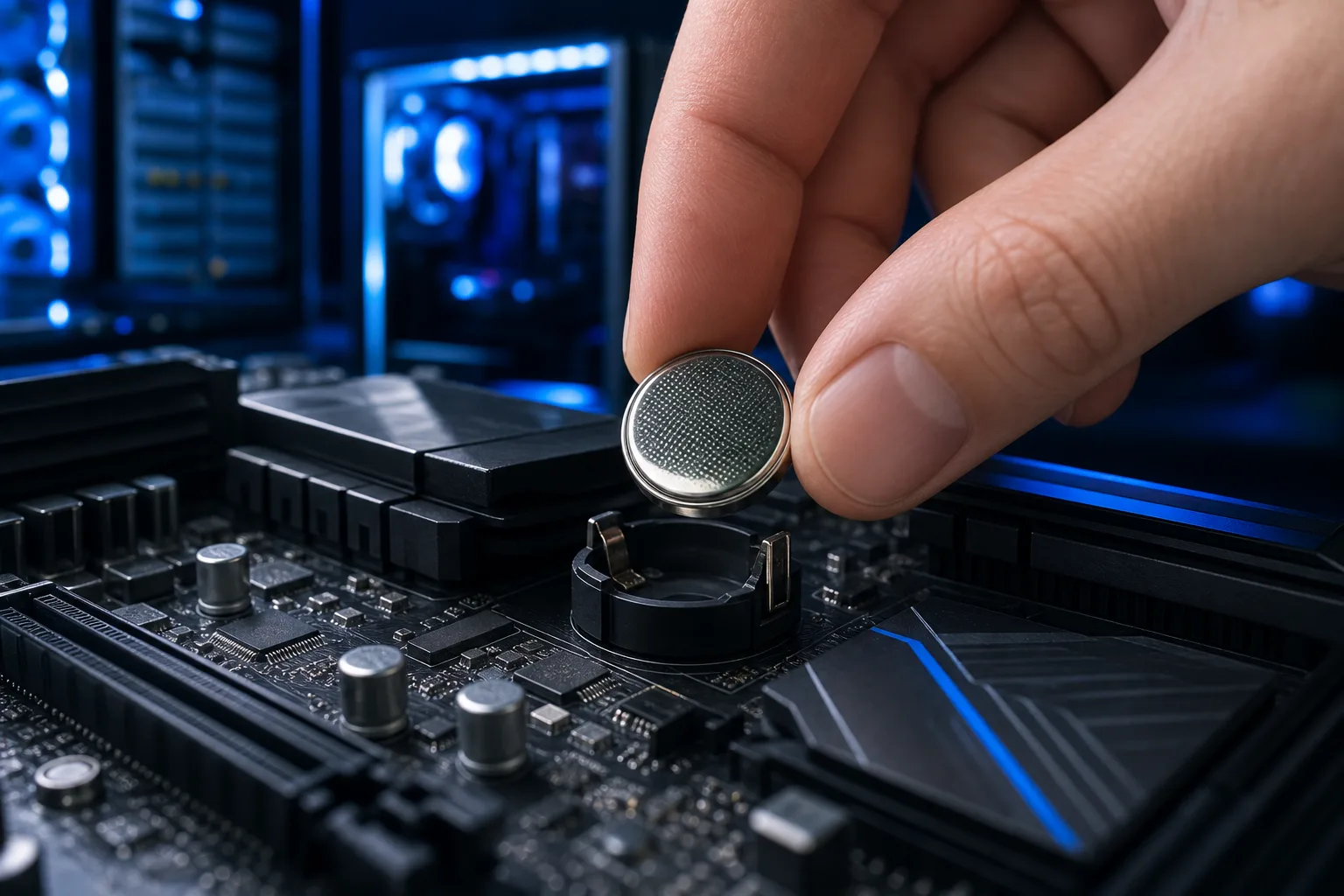
Many desktop boards use a CMOS/RTC coin cell, but battery design and access vary by device. A weak battery may reset the clock or firmware settings when external power is removed; it does not itself rewrite BIOS code.
In severe cases, a completely dead CMOS battery on an older board can cause settings to fall into an inconsistent state that prevents a clean boot. It is not true corruption of the firmware code itself, but the practical result looks the same: your PC will not start normally.
Battery life and replacement steps vary by model. Check the manual before opening a laptop or replacing a cell, and note boot or encryption settings before resetting firmware configuration.
2. What Causes BIOS Corruption From Bad Firmware Flashes
Related to power interruptions but worth separating out: flashing the wrong firmware image entirely.
Motherboard manufacturers release multiple BIOS versions, sometimes with different files for different board revisions, different CPU generations, or different regions. If you download the wrong file and flash it, the BIOS may boot into a confused or completely non-functional state. Some boards have safeguards against this. Many do not.
This also happens when people try to use unofficial or modded BIOS images to unlock features the board was not designed to support. Overclocking enthusiasts know this risk well. It usually works fine right up until the moment it does not.
What to do: If you need a BIOS update, download it directly from the motherboard manufacturer's official website. Double-check that the file matches your exact board model and revision number, which is printed on the motherboard itself.
4. Malware Targeting the Firmware
Yes, this is a real thing. No, it is not just a movie plot.
Firmware-targeting malware exists but is uncommon and requires specialized investigation. ESET documented LoJax, an in-the-wild UEFI rootkit. A reinstall alone does not establish whether firmware is infected.
The most well-known example in the wild is LoJax, documented by ESET researchers in 2018. It was the first confirmed UEFI rootkit used in real attacks. More have followed since.
For most home users in West Palm Beach, the risk of a firmware-targeting malware attack is low but not zero. For businesses, especially those handling sensitive data or financial information, this is precisely why business cybersecurity needs to go deeper than a free antivirus app.
Strange behavior after a reinstall is not evidence of firmware malware by itself. Check hardware and software causes and seek specialist analysis if there is a credible security indicator.
Computer acting up? Get a real diagnosis. Ask about an initial check
5. Faulty or Incompatible Hardware
Sometimes the BIOS itself is fine, but connected hardware is causing it to fail during the POST (power-on self-test) in a way that looks like corruption.
A few common culprits:
- Bad RAM. The BIOS tests your memory at startup. Severely faulty RAM sticks can cause POST failures that mimic BIOS problems.
- A failing GPU. Some boards will not complete POST without a working graphics card.
- A newly installed component the BIOS does not recognize. Installing a CPU that your current BIOS version does not support can cause a no-boot situation that requires a BIOS update. Which is tricky when the machine will not start.
This last scenario is more common than you might expect with modern AMD and Intel platforms, where the same socket sometimes spans multiple CPU generations. You may need an older, compatible CPU just to boot the machine and perform the necessary firmware update.
If the PC cannot boot or connect, remote support may not be possible; bring it in for hardware diagnosis.
6. Excessive Heat or Physical Damage
The BIOS chip is a physical component soldered to your motherboard. Like everything else on a circuit board, it can be damaged by heat, power surges, physical impact, or just age and corrosion in a humid environment.
Heat, liquid damage, power faults, or damaged board components can disrupt boot and mimic firmware failure. They do not prove the stored BIOS image is corrupt; inspect hardware and power before attempting a flash.
A power surge can damage electronic components, including the board. If a failure followed a surge, test power and hardware before concluding the firmware image is corrupt.
If the board is physically damaged, firmware recovery may not solve the underlying fault. A technician can assess whether repair or replacement is appropriate.
Can BIOS Corruption Be Fixed?
Often, yes. The options depend on your motherboard.
Dual BIOS: Some enthusiast and business-grade motherboards include a backup BIOS chip. If the primary chip gets corrupted, you can switch to the backup and recover. Gigabyte calls this feature DualBIOS. Other brands have similar implementations.
USB BIOS recovery: Some boards have a model-specific USB recovery feature. Check the exact manual and firmware file; required power, ports, and components vary. Do not assume a nonbooting board supports a button-based flash.
Professional chip reprogramming: If your board has neither of those options, a technician can sometimes physically reprogram the BIOS chip using a dedicated chip programmer. This requires the right equipment and the correct firmware image for your exact board.
Board replacement: In cases of physical damage or when the chip is truly unrecoverable, the motherboard needs to go. At that point, a proper data backup strategy matters more than ever. If you are a business and you do not have one, backups and disaster recovery should be your next conversation.
Bottom Line
Confirmed firmware corruption can follow an interrupted or incorrect update, physical flash-chip failure, or rare malicious modification. CMOS battery failure and other hardware faults are separate problems that can produce similar symptoms. Manufacturer diagnostics should distinguish them before repair.
When prevention fails, recovery is often possible but rarely a DIY job. If your PC is stuck before Windows even thinks about loading, bring it in. The team at Fix My PC Store in West Palm Beach handles BIOS recovery, motherboard diagnostics, and the kind of low-level hardware problems that the big-box stores will not touch. Schedule a repair and we will tell you straight what it is going to take.
Computer acting up? Get a real diagnosis.
Fix My PC Store assesses startup and board faults in West Palm Beach. Initial checks are free for most standard in-store repairs; advanced diagnostics may have a disclosed fee.