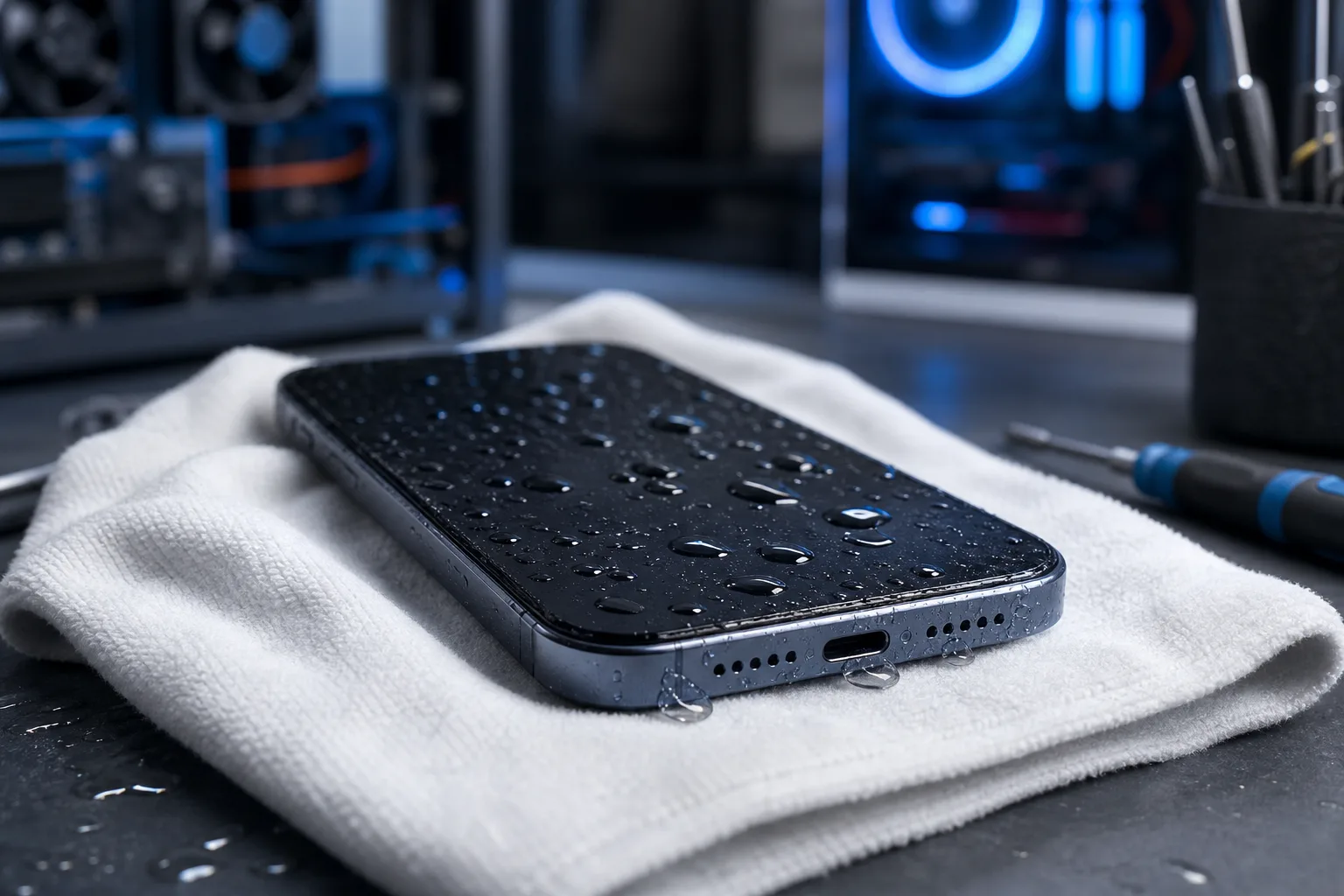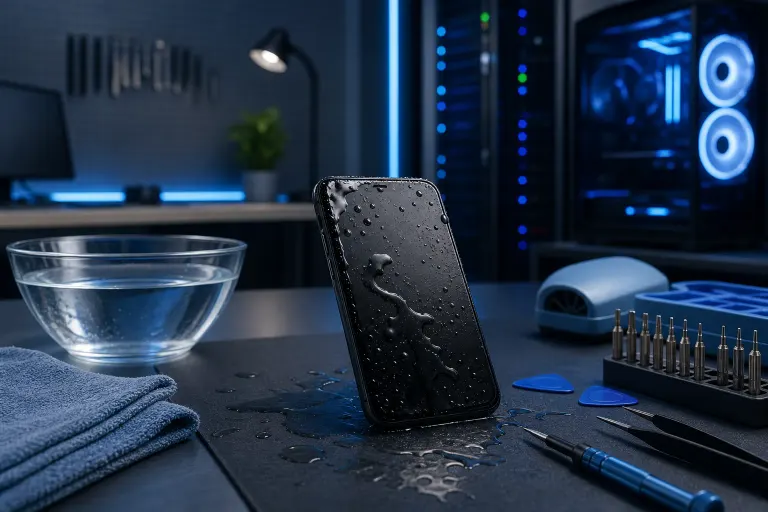
Wet smartphone covered in water droplets on dark surface, surrounded by bowl of water, microfiber cloth, and repair tools

    Water-Damaged Phone: What to Do in the First Hour

    mobile repair
    water damage
    iphone
    android
    phone repair
    south florida
    Author: Server Steve, Business IT & Infrastructure LeadPublished: 6/29/2026Last Updated: 6/29/2026
    Reviewed by Andrew Harris, President

    A wet phone is not automatically a dead phone, but the clock starts the second it hits water. Follow these steps in the right order during the first hour and you'll give yourself the best possible shot at saving it.

    TL;DR: Kill the power immediately, keep the phone horizontal, and get it dry as fast as possible without heat. Do NOT charge it, shake it, or blow hot air into it. If it won't power on after 24-48 hours of drying, bring it in for professional diagnostics before corrosion sets in.

    What You Need

    • A dry, lint-free cloth or paper towels
    • A small vacuum (handheld or standard, with a low-suction setting)
    • A bowl of uncooked rice OR silica gel packets (silica is better, grab it from a shoe box or vitamin bottle)
    • A dry, room-temperature space away from direct sunlight and fans
    • Your SIM card removal tool or a straightened paper clip
    • Patience. Seriously, that's a required item.

    You do NOT need a hair dryer, compressed air, or rubbing alcohol applied randomly. Those cause more damage than the water did.


    Step 1: Get It Out and Power It Off Immediately

    Every second the phone is on while wet increases the risk of a short circuit. Water alone doesn't always fry electronics. Water plus electricity does.

    If the screen is still on, hold the power button and shut it down. Do not tap around on the screen trying to save your place in an app or close things out. Just power it off.

    If it already shut itself off, that's actually a good sign. Leave it off. Do not turn it back on to check if it's working. That's the number one mistake people make and we'll come back to it.

    If you're on a call or mid-task, hang up. Everything on that phone can wait.

    Wet dark smartphone lying face-down on white cloth with water droplets on its back, USB-C port visible, tech workspace background.
    Act fast: every second a powered-on phone stays wet raises the risk of a short circuit.

    Step 2: Remove the Case, SIM Card, and Any Removable Parts

    Peel the case off right away. Cases trap water against the body of the phone and keep it there. That's the opposite of what you want.

    Pop out the SIM card tray. Water loves to pool in that little slot. Use your SIM tool or a paper clip, pull the tray out completely, and set it aside on your dry cloth.

    If you have an older Android with a removable battery, remove it now. This removes the power source from the equation entirely and dramatically reduces short-circuit risk.

    For iPhones and most modern Androids with non-removable batteries, you can't get inside, so powering off in Step 1 was even more critical.

    Step 3: Blot, Don't Rub

    Grab your lint-free cloth or paper towels and gently blot the outside of the phone. Pay attention to the charging port, headphone jack if it has one, speaker grilles, and the SIM card slot.

    Blot. Do not rub. Rubbing pushes water further into openings.

    Tilt the phone gently in different orientations to let gravity pull water toward the openings, then blot again. Think of it like getting water out of your ear: slow tilts, not aggressive shaking.

    If you have a handheld vacuum, hold it over the charging port and speaker grilles on a low setting for 20-30 seconds each. This pulls moisture out rather than pushing it in. This is much safer than blowing air inward.

    Cracked screen or a phone that won't hold a charge? Get a repair quote

    Step 4: Place It in a Drying Environment

    Now you need to let passive evaporation do its job. Here are your real options, ranked from best to okay:

    Option A: Silica gel packets. Fill a zip-lock bag or small container with silica gel packets, put your phone in, seal it, and leave it for 48 hours. Silica gel is a true desiccant, meaning it actively absorbs moisture from the air around it. This is the best DIY option.

    Option B: Uncooked rice. Yes, rice works. No, it's not magic. Rice is mildly absorbent and mostly just creates a sealed, low-humidity environment. It can also leave starch dust in your ports, which is annoying. It's fine if silica isn't available, but it's not your best choice.

    Option C: Room air, uncovered. If you have neither of the above, just lay the phone on a dry cloth in a room-temperature space. It works slower but it does work. Make sure it's horizontal and away from direct sunlight or heat vents.

    Leave the phone alone for a minimum of 24 hours. 48 hours is better. Resist the urge to check it.

    Step 5: Do Not Do These Things

    This step might be the most important one on the list.

    Do not plug it in to charge. Power plus moisture equals corrosion and shorts. Even if it feels dry on the outside, there may still be water inside near the battery or logic board.

    Do not use a hair dryer. Heat accelerates corrosion and can warp internal components. Even the cool setting pushes air inward and drives moisture deeper.

    Do not use compressed air in the same way. Blowing compressed air INTO ports pushes water further in. If you use it at all, use short bursts from an angle, not directly into openings.

    Do not put it in the oven or microwave. This sounds obvious but it happens more than you'd think.

    Do not put it in direct sunlight. High heat is your enemy here.

    Do not keep turning it on to check. We know it's tempting. Every time you power it on while there's still internal moisture, you're gambling.

    Step 6: After 24-48 Hours, Test It Carefully

    Once your drying window is up, remove the phone from the rice or silica environment. Inspect the ports visually with a flashlight if you have one. Look for any discoloration, corrosion spots (they look greenish or white and chalky), or debris.

    If it looks clean, go ahead and power it on.

    Watch for these warning signs even if it boots:

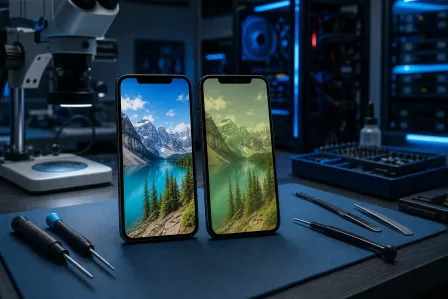
    • Screen flickering or discoloration
    • Touch response issues
    • Muffled or distorted speaker audio
    • Battery draining faster than normal
    • Charging issues or the phone refusing to charge
    • Random shutdowns

    Any of those symptoms means water made it inside and is causing ongoing damage. The phone needs professional attention before corrosion spreads further.

    If it won't turn on at all after 48 hours of drying, don't assume it's dead. Bring it in. A tech can open it up, clean the board with proper solutions, and assess what's salvageable. We see water-damaged phones come back to life after professional cleaning fairly often, but only when they come in before the corrosion has had weeks to spread.

    You can schedule a repair or stop by to get your phone assessed. Our team handles iPhone and iPad water damage regularly and can tell you pretty quickly what you're working with.


    Common Mistakes

    Waiting too long before acting. The first few minutes matter more than any other part of this guide. Corrosion starts quickly once water contacts the logic board.

    Powering the phone back on too soon. People get anxious and check after a few hours. If there's still internal moisture, this is where the real damage happens.

    Assuming IP68 means waterproof. IP ratings measure resistance, not immunity. Saltwater, pool water with chlorine, and drops from height all defeat water resistance ratings faster than the spec suggests. Older phones with worn seals are even more vulnerable.

    Using the wrong drying method. Heat is not your friend here. Room temperature and absorbent materials are. This is a slow process and that's okay.

    Skipping the charging port inspection. Charging a phone with water still in the USB-C or Lightning port can cause an arc that permanently damages the port or the charging IC on the board.

    Thinking it's fine because it worked yesterday. Corrosion is cumulative. A phone can appear fine for days after water exposure and then start failing as oxidation spreads. If it got wet, treat it seriously even if it seems okay.


    Bottom Line

    A wet phone is a stressful situation, but it is manageable if you move fast and make the right calls. Power off immediately, get moisture out without heat, and give it real drying time before you test it again.

    If it doesn't come back on its own or you're seeing symptoms after it dries, don't wait. Corrosion is a slow-moving but permanent problem. The sooner a technician can clean the board properly, the better your odds of a full recovery.

    We're in West Palm Beach and work on water-damaged phones from across Palm Beach County and the Treasure Coast. If you want a no-pressure assessment, reach out or book a time and we'll take a look. And if your business runs on mobile devices and data security, it's worth knowing we also handle business IT and cybersecurity for teams that can't afford unexpected downtime.

    Your phone might be fine. Let's find out.


    Cracked screen or a phone that won't hold a charge?

    Bring it in. Most phone and tablet repairs are same-day, with parts that actually last.

    Get a repair quote

    Frequently asked questions

    Can a water-damaged phone be saved?

    Yes, many water-damaged phones are fully recoverable, especially when you act fast in the first hour. Powering the phone off immediately and drying it properly before any corrosion sets in gives you the best odds. Even phones that won't turn on after drying can sometimes be recovered through professional board cleaning.

    How long should I leave my phone in rice after water damage?

    At least 24 hours, and 48 hours is better. Rice is only mildly effective compared to silica gel packets, but it works if that's what you have. Avoid the temptation to turn the phone on early to check it, because that's when most additional damage happens.

    Is it safe to charge my phone after it gets wet?

    No, not until it has had at least 24-48 hours to dry completely. Charging a wet phone risks a short circuit or a port arc that can permanently damage the charging hardware. If you see a moisture warning message on your screen, take it seriously and wait until it clears.

    What if my phone has an IP68 water resistance rating?

    IP68 means the phone is rated for water resistance under specific lab conditions, not that it's waterproof in real life. Saltwater, pool chemicals, drops from height, and normal wear on the seals over time all reduce that protection. Treat any submersion seriously regardless of the IP rating.

    How do I know if water got inside my phone's logic board?

    Signs include screen flickering, touch issues, muffled audio, rapid battery drain, charging problems, or random shutdowns after the phone dries. If any of these show up in the days after water exposure, bring the phone in before corrosion spreads further and causes permanent damage.

    Should I try to open my phone myself to dry it out faster?

    Only if you have experience with phone repair and the right tools. Opening a modern smartphone incorrectly can crack the screen, damage flex cables, or destroy the waterproof adhesive seal. For most people, the drying methods in this guide are safer and effective enough without cracking the phone open yourself.

    Frequently Asked Questions

    Can a water-damaged phone be saved?
    Yes, many water-damaged phones are fully recoverable, especially when you act fast in the first hour. Powering the phone off immediately and drying it properly before any corrosion sets in gives you the best odds. Even phones that won't turn on after drying can sometimes be recovered through professional board cleaning.
    How long should I leave my phone in rice after water damage?
    At least 24 hours, and 48 hours is better. Rice is only mildly effective compared to silica gel packets, but it works if that's what you have. Avoid the temptation to turn the phone on early to check it, because that's when most additional damage happens.
    Is it safe to charge my phone after it gets wet?
    No, not until it has had at least 24-48 hours to dry completely. Charging a wet phone risks a short circuit or a port arc that can permanently damage the charging hardware. If you see a moisture warning message on your screen, take it seriously and wait until it clears.
    What if my phone has an IP68 water resistance rating?
    IP68 means the phone is rated for water resistance under specific lab conditions, not that it's waterproof in real life. Saltwater, pool chemicals, drops from height, and normal wear on the seals over time all reduce that protection. Treat any submersion seriously regardless of the IP rating.
    How do I know if water got inside my phone's logic board?
    Signs include screen flickering, touch issues, muffled audio, rapid battery drain, charging problems, or random shutdowns after the phone dries. If any of these show up in the days after water exposure, bring the phone in before corrosion spreads further and causes permanent damage.
    Should I try to open my phone myself to dry it out faster?
    Only if you have experience with phone repair and the right tools. Opening a modern smartphone incorrectly can crack the screen, damage flex cables, or destroy the waterproof adhesive seal. For most people, the drying methods in this guide are safer and effective enough without cracking the phone open yourself.

    Share this article

    You May Also Like