6 Signs to Check for Possible BIOS Trouble
TL;DR: A corrupted BIOS can cause symptoms ranging from a completely dead PC to subtle boot loops and missing hardware. These signs warrant diagnosis before attempting a firmware update or replacing the motherboard. Here are six corrupted BIOS symptoms, explained plainly.
Your BIOS (Basic Input/Output System) is the firmware that wakes your computer up. Before Windows loads on a typical PC, the BIOS or UEFI firmware runs hardware checks of your hardware and hands control over to your operating system. When that firmware gets corrupted, nothing above it works correctly. The frustrating part is that corrupted BIOS symptoms often look identical to failing hardware or a bad operating system, so people chase the wrong problem for weeks.
Let's fix that right now.
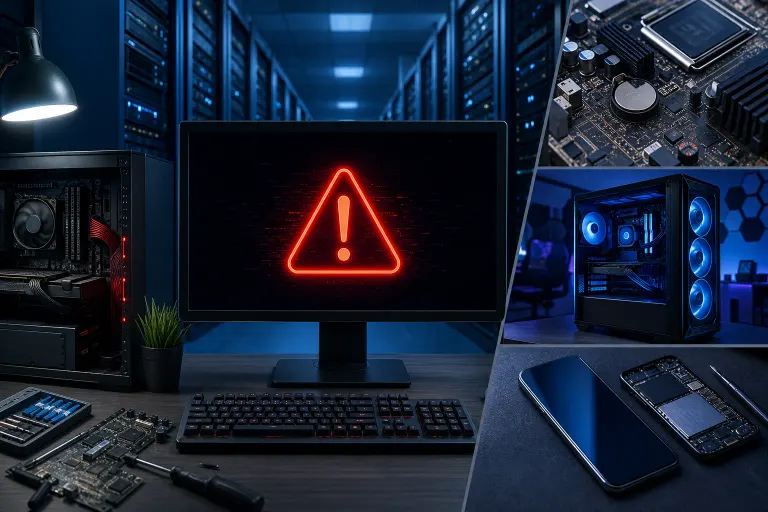
1. The PC Turns On But Nothing Appears on Screen
You press the power button. Fans spin. Lights come on. But the monitor stays black, not even a logo flashes.
This is one of the most common corrupted BIOS symptoms people search for, and it's easy to misread. A blank screen can come from the monitor, cable, RAM, graphics hardware, power, or firmware; the symptom alone does not identify the cause.
What to check first:
- Confirm your monitor cable is seated and the monitor works on another device.
- If you are comfortable opening a desktop, power it off and follow the manufacturer’s steps to check RAM seating; otherwise ask a technician.
- If the screen remains black, consult the model-specific no-display guide before assuming firmware damage.
Some motherboards have a built-in BIOS recovery mode. Check your motherboard manual for a "BIOS flashback" button or recovery jumper. If you don't have the manual handy, the manufacturer's support page usually lists the model's recovery options.
2. Continuous Boot Loop With No Progress
The computer starts, shows maybe a logo or a brief flash of text, then restarts itself. Over and over. It never reaches the Windows loading screen or even the BIOS setup menu.
POST duration varies by system. A restart loop can have several causes, including firmware, memory, power, or storage problems.
Boot loops can also come from a corrupted Windows install or a failing drive. Here is how to narrow it down: if you can open firmware setup using the key specified by your manufacturer, the firmware is at least starting. If you cannot, check the manufacturer’s diagnostic indicators and other no-POST causes; firmware corruption is only one possibility.
If you are dealing with this on a work machine, it is worth getting eyes on it quickly. Downtime costs more than a repair. Our business IT team handles exactly this kind of urgent hardware triage.
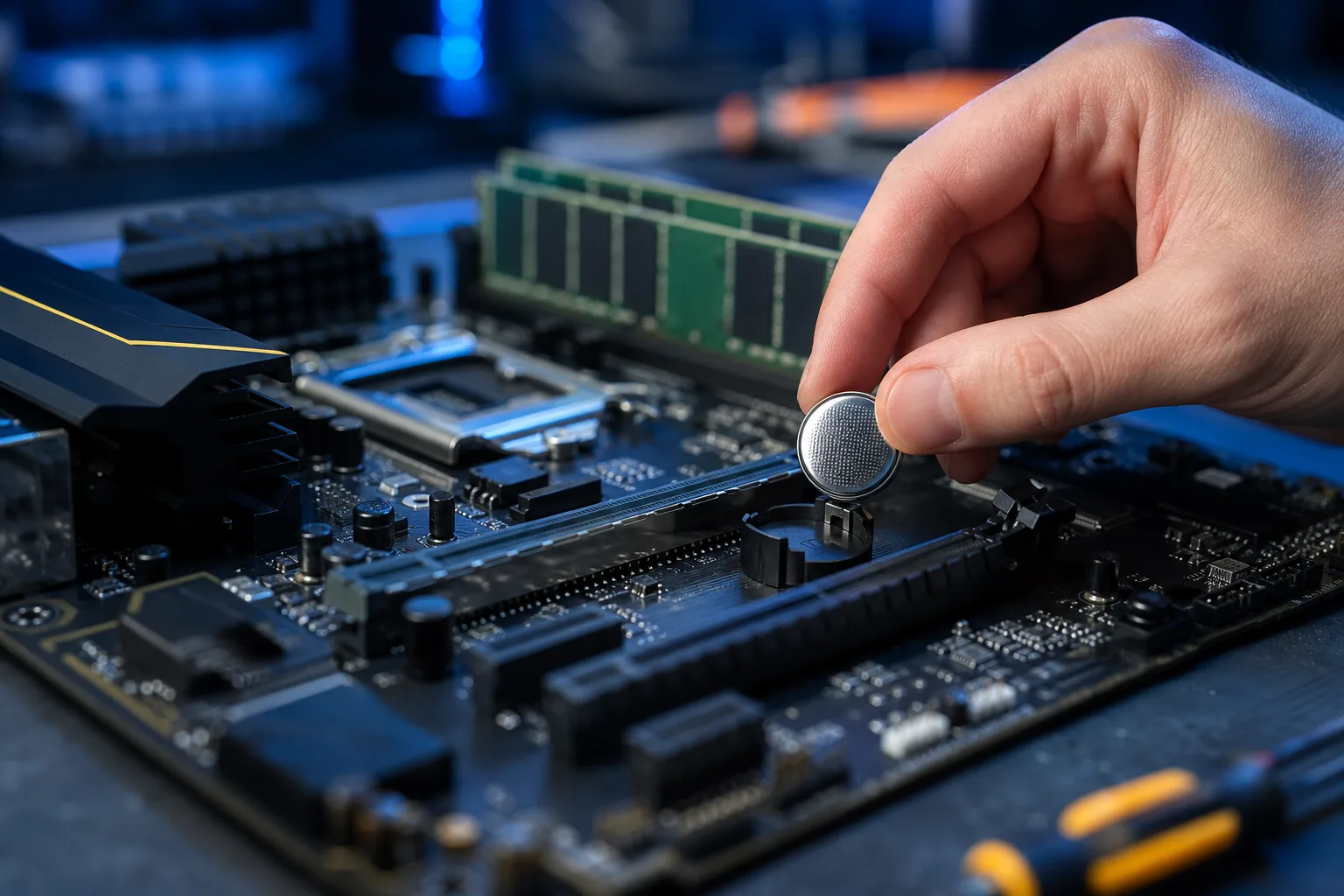
3. The System Clock Resets Every Time You Reboot
This one is subtle. You set the date and time, reboot, and the clock is back to January 1, 2000, or some other obviously wrong date.
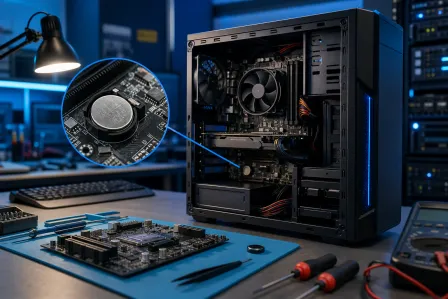
The BIOS stores your system clock settings in a small memory chip powered by a coin-cell battery called the CMOS battery. When that battery dies, the BIOS loses its saved settings every time power is cut. This is not always a sign of corrupted firmware. Sometimes it simply means the CMOS battery needs to be replaced, although cost and service time vary by device.
However, if you replace the CMOS battery and the clock still resets, or if the BIOS is also losing other saved settings like boot order and fan profiles, check the battery installation and model-specific settings; firmware damage is only one possible cause.
Next step: Follow the manufacturer’s clock/CMOS troubleshooting steps. On laptops or sealed devices, ask a technician before opening the case.
Computer acting up? Get a real diagnosis. Book a free diagnostic
4. Hardware That Was Working Suddenly Disappears
You open Device Manager and your RAM shows less than what is installed. Or your SSD vanishes from the drive list. Or a GPU that worked yesterday is no longer detected.
The BIOS is responsible for discovering and reporting hardware to the operating system. A missing component may reflect hardware, connection, settings, driver, or firmware issues.
Before assuming the hardware is dead:
- Reseat the component (remove it, reinsert it firmly).
- Test in a different slot if possible.
- Check if the issue appears inside the BIOS setup menu as well as in Windows.
If the hardware is missing even from firmware setup, a Windows driver alone is less likely; check the component, its connection, and the manufacturer’s diagnostics. This matters a lot for diagnosis.
For business owners running servers or workstations, undetected drives are especially dangerous because backups may silently fail. If your infrastructure is involved, our backups and disaster recovery service is worth a conversation.
5. BIOS Update That Got Interrupted
This is less a symptom and more a direct cause, but it belongs on this list because it is one of the most common ways people end up searching for corrupted BIOS symptoms.
Updating your BIOS is sometimes necessary, especially after a processor upgrade or to fix a security vulnerability. But if the update process gets interrupted, whether by a power blip, a USB drive being removed too early, or a program closing unexpectedly, the firmware can be left in a half-written state. The result is a board that may not POST at all.
If this just happened to you:
- Do not panic and do not turn off the power multiple times.
- Check whether your motherboard has a dual-BIOS feature (some boards offer). Some boards automatically recover from a backup chip.
- Look for a BIOS flashback or recovery option in your manual.
- If none of those apply, this is a situation where professional reflashing is the right call. Attempting to re-flash without the right tools can permanently brick the board.
Ask our computer repair team to assess the board and model-specific recovery options.
6. Strange Beep Codes or LED Error Patterns at Startup
Older motherboards beep at you during POST to communicate status. Modern boards often use a series of LEDs or a small two-digit display called a POST code reader. If your system is emitting a pattern of beeps or showing a specific LED sequence, that is the system providing a diagnostic clue, which must be decoded for that model.
Beep codes are not universal. A single long beep on an ASUS board means something different from the same beep on an older Dell. You need to look up the specific codes for your motherboard brand and model.
Common things BIOS beep codes flag:
- RAM not detected or failing POST
- GPU not detected
- Firmware or motherboard faults on some models
If the beep code your board is throwing specifically indicates a firmware checksum failure or a POST code error that matches BIOS corruption, that is useful evidence to confirm against the manufacturer’s recovery guide. The motherboard manufacturer's support page is the most reliable place to decode your specific pattern.
If you are not comfortable digging through spec sheets, bring it in or use our remote support to walk through it together.
Bottom Line
Corrupted BIOS symptoms are genuinely tricky because they overlap with so many other hardware problems. The clearest diagnostic path is this: if the issue appears before the operating system even starts, and it is not solved by reseating components or replacing the CMOS battery, the BIOS is the next place to look.
Some fixes are straightforward. A CMOS battery issue may be simpler to address than a firmware failure. A BIOS recovery using a USB flash drive is manageable if your board supports it and you follow the steps carefully.
Other situations, like a mid-update failure, a board with no dual-BIOS chip, or corruption from a power surge, need proper tools and experience to fix without causing more damage.
If you are in West Palm Beach or anywhere in South Florida and you are staring at a PC that will not boot, schedule a repair or reach out to us at Fix My PC Store. We will tell you straight what you are dealing with and what it takes to fix it.
Computer acting up? Get a real diagnosis.
Fix My PC Store has repaired thousands of machines across West Palm Beach. Initial checks are free for most standard in-store repairs; ask about any advanced diagnostic fee before work begins.