PC Repair Near Me: In-Store vs. At-Home Service Compared
TL;DR: A shop may suit hardware work that needs bench tools; on-site service may suit network or setup issues where the device is used. Compare the exact service scope, tools, parts, price, and schedule before booking.
At a Glance
| Factor | In-Store | At-Home |
|---|---|---|
| Tools | Ask what bench tests are available | Ask what tools the technician brings |
| Timing | Depends on diagnosis, parts, and workload | Depends on appointment and parts |
| Cost | Request a written estimate | Ask about travel and repeat-visit charges |
| Good fit | Jobs requiring bench equipment | Problems in the local setup or hard-to-move devices |
| Parts | Confirm stock and delivery time | Confirm what can be brought on-site |
| Data handling | Discuss backup and access | Discuss backup and access |
Why "PC Repair Near Me" Actually Has Two Different Answers
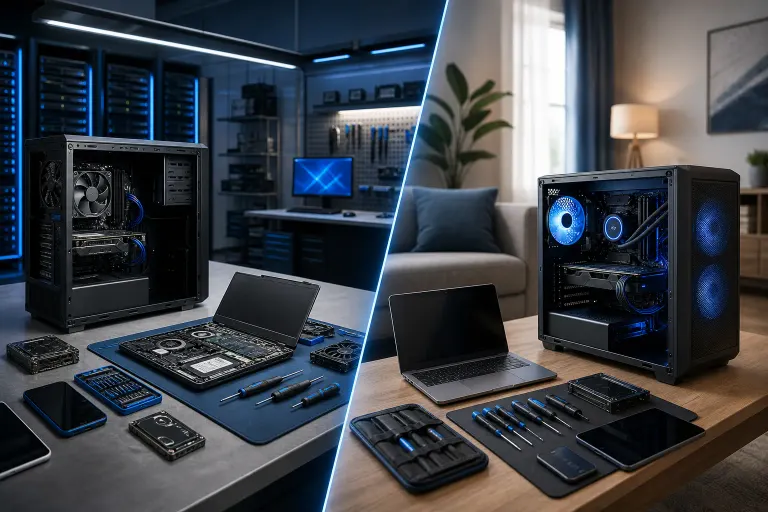
When you search pc repair near me, you are really asking two questions at once. First: who can fix this? Second: do I have to leave my house? Those are not the same question, and mixing them up is where people waste time and money.
Fix My PC Store is based in West Palm Beach and lists in-store and remote services. Ask whether an on-site visit is available for your location and issue before booking.
In-Store Computer Repair: What You Actually Get
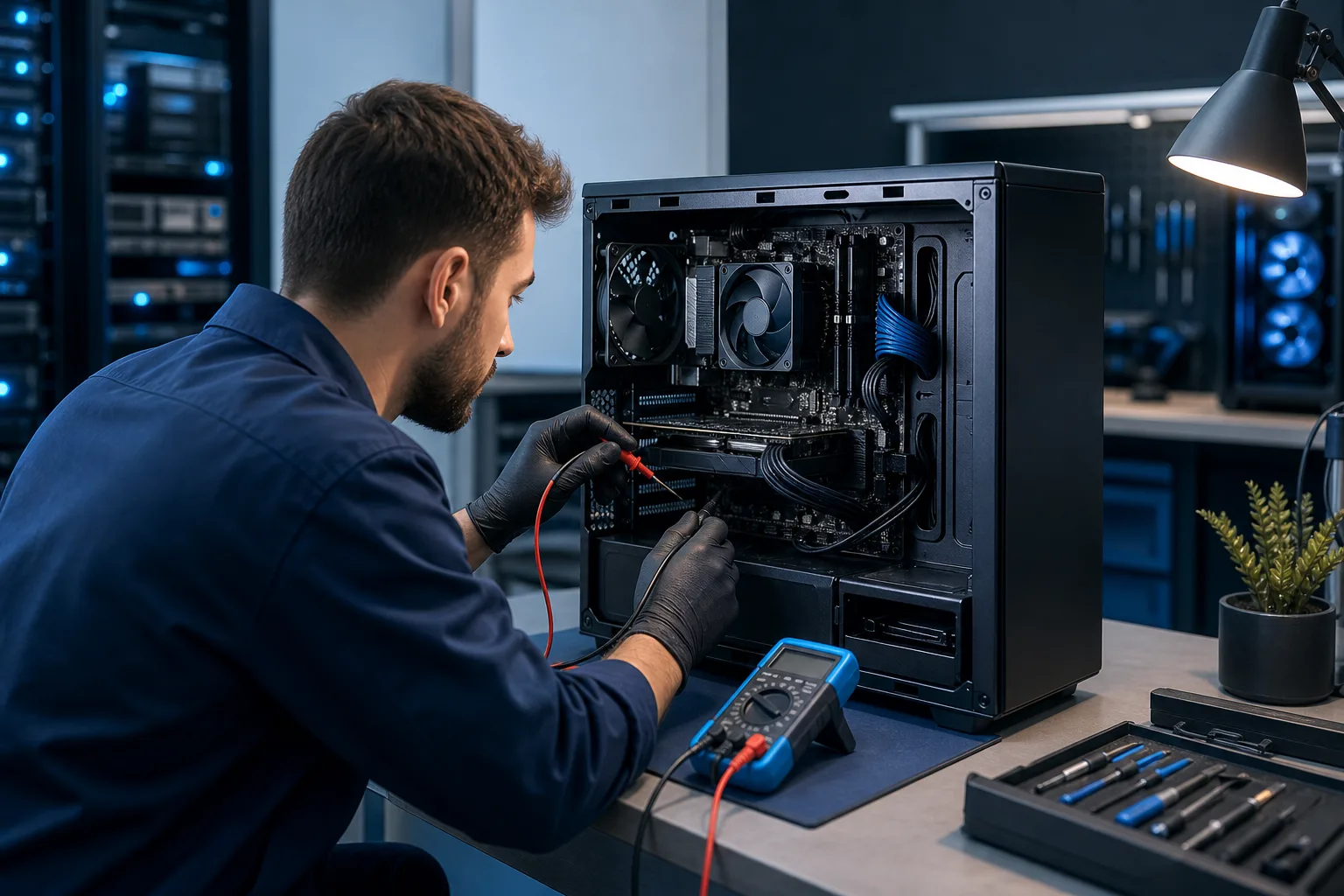
Bringing your PC or laptop into a shop means a technician may have test equipment and substitute parts at the bench. Some on-site technicians can perform these tests too; ask which ones your diagnosis needs.
When in-store is the obvious call
The machine won't boot. If your PC is dead or throwing error codes, ask what tests can be done on-site and whether a bench visit may be needed if the cause remains unclear.
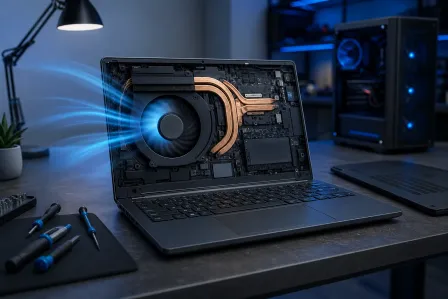
You need a component replaced. GPU swap, RAM upgrade, SSD install, thermal paste and fan replacement. These jobs need suitable tools, workspace, and model-specific parts. Check out the computer repair page to see what Fix My PC Store handles on the bench.
Virus and malware removal. Malware diagnosis and cleanup time vary by infection and device. Running scans, checking startup items, verifying the system is actually clean, and confirming nothing is phoning home takes time and multiple reboots. A shop can do that without tying up a tech at your location for hours.
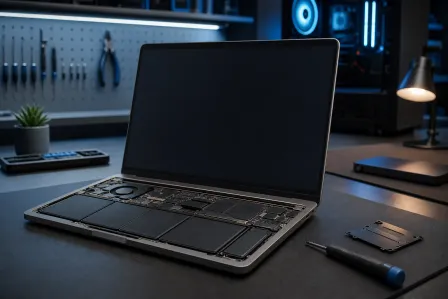
Laptop issues. Screen replacements, keyboard swaps, charging port repairs. These need precision tools and sometimes replacement parts ordered ahead. The laptop repair workflow is built around bench work for exactly that reason.
Mac problems. Macs have their own diagnostic environment and repair quirks. Mac repair especially benefits from a dedicated setup because Apple hardware is not always cooperative with improvised workspaces.
The real turnaround advantage
Parts stock varies. Ask either provider whether the exact replacement is available and when work could finish. That is not a knock, it is just physics. They cannot haul a parts warehouse to your doorstep.
What about transport risk?
Fair question. If your hard drive is fragile or you have irreplaceable data, the idea of moving the machine makes you nervous. Reasonable. But a reputable shop handles machines all day long. If you suspect a failing drive, limit further use and discuss data preservation before any repair or transport. If you are worried, back up what you can before you bring it in, or ask about backups and disaster recovery options.
Computer acting up? Get a real diagnosis. Book a diagnostic
At-Home Computer Repair: When It Actually Makes Sense
At-home service is not a consolation prize. For certain jobs it is genuinely the better choice. The key is matching the job type to the model.
When at-home wins
Network and Wi-Fi issues. Your router is at your house. Your ISP's equipment is at your house. The interference from your neighbor's network is at your house. A tech diagnosing Wi-Fi problems needs to be in the environment where those problems exist. This is one area where at-home service has a real diagnostic edge.
Setup and configuration. New PC, new monitor, new printer, new smart TV setup. You want those things configured in the room where they live, connected to your actual network, with your accounts logged in. Doing that at a shop and then moving everything defeats the purpose.
Workstation-class desktops that are genuinely difficult to move. Think dual-monitor setups bolted to standing desks, or a custom gaming PC that is loaded with liquid cooling and cable management you spent a weekend perfecting. If breaking it down and hauling it in is a whole project, at-home makes sense for the right type of job.
Small businesses with on-site infrastructure. If your problem involves servers, switches, or how multiple machines talk to each other, the tech needs to see the whole picture. That is part of why business IT and business networking support tends to be on-site by default.
Senior or mobility situations. If getting out of the house with a desktop tower is genuinely difficult, at-home service removes a real barrier. That is a legitimate reason, not a workaround.
The honest limitations
At-home service has a harder ceiling on what it can diagnose and fix in one visit. If the tech shows up and realizes you need a part they do not have, you are scheduling a second visit. A missing part may require another visit. Ask about travel, return visits, and parts charges before booking.
For a major teardown, ask how the technician will provide a suitable workspace and protect components. A shop bench may be practical, but price and safety depend on the job.
Remote Support: The Third Option Worth Mentioning
If your problem is software, Windows settings, driver issues, account access, or slow performance that is not hardware-related, you might not need anyone at your location at all. Remote support lets a tech connect to your machine directly and fix things live while you watch. Remote service can avoid travel for a suitable problem; availability and resolution time vary.
It does not work for physical hardware failures. But for the surprisingly large category of issues that are purely software, it is underused and underrated.
Cost: The Real Math
Costs vary by provider. Ask each for a written estimate showing diagnostic, labor, parts, travel, and possible return-visit charges. Confirm when work would start and whether a required part is in stock. Compare the total for your specific repair.
None of this means at-home is never worth it. For the right jobs, it is worth every dollar. But do not assume it saves money by default.
Verdict
If your machine has a hardware failure, won't boot, needs a component replaced, or is dealing with a serious infection, bring it in. A shop bench may be useful for hardware work requiring specialized tools. Ask Fix My PC Store what its computer repair service can test for your model, whether parts are available, and when work could finish.
If your problem is networking, setup, configuration, or you have a legitimate reason the machine cannot move, at-home makes sense. Just go in knowing the limitations: confirm available tools and parts, the total estimate, and whether a second visit might be needed.
And if it is a software issue? Check remote support first. You might be surprised how much can get resolved without anyone leaving the building.
Still not sure which route fits your situation? Book a quick consult and describe what is going on. A conversation can help identify the next diagnostic step and an appropriate service option.
Computer acting up? Get a real diagnosis.
Fix My PC Store has repaired thousands of machines across West Palm Beach. Initial checks are free for most standard in-store repairs; ask about any advanced diagnostic fee before work begins.