How to Choose the Best Computer Repair Shop Near You
TL;DR: When you search "computer repair near me," the results look similar on the surface. The shops that are actually worth using will give you a written estimate, explain what they found, and never touch your data without permission. Here is how to tell them apart before you hand over your machine.
What You Need
Before you start calling shops or walking in, gather the following. It will save time and help you ask better questions.
- A clear description of the problem: what the device does or does not do, when it started, and any recent changes (updates, drops, spills)
- Your device make, model, and approximate age
- A rough sense of your budget ceiling, even if it is flexible
- A backup of your data if you can still get into the machine. If you cannot, note that specifically.
- Any passwords or PINs you may need to provide, kept secure until the shop actually needs them
You do not need to know the diagnosis. That is their job. You need enough information to have a coherent conversation.
1. Start With a Specific Search, Then Filter Fast
"Computer repair near me" is the right starting point, but the map results that come back need filtering. Proximity matters less than you think. A shop ten minutes farther away that does the job right is a better outcome than the closest one that guesses.
After you have a short list, look at:
- Review volume and recency. Fifty reviews from the last year outweigh two hundred reviews with the most recent one from 2021.
- How the shop responds to negative reviews. A defensive or dismissive response to a complaint is a red flag. A calm, professional reply that tries to resolve the issue is a green flag.
- Specificity in the reviews. "Great service" tells you nothing. "They diagnosed a failing SSD, gave me a quote in an hour, and had it done the same day" tells you something useful.
Ask each shop how it checks for moisture, corrosion, and cooling problems when relevant. Judge the technician’s process rather than assuming a local or national business handles them differently.
2. Call Before You Go, and Listen Carefully
A two-minute phone call is one of the most reliable filters available. You are not looking for a guarantee over the phone. You are listening for how they handle uncertainty.
Ask these three questions:
- "Do you charge a diagnostic fee, and is it applied toward the repair if I proceed?"
- "Will you contact me before doing any work beyond the initial diagnosis?"
- "What happens to my data during the repair?"
A shop worth using will answer all three clearly. "We charge a flat diagnostic fee and it comes off the total if you approve the work" is a reasonable answer. "It depends" or a change of subject is not.
The data question matters more than most people realize. Some shops image your drive before any work. Others treat it like a black box. You want to know which category they fall into, and whether their bench technicians have any reason to access personal files beyond what the job requires.
3. Evaluate the Physical Shop (or the Remote Process)
If you are visiting in person, you can learn a lot in the first two minutes.
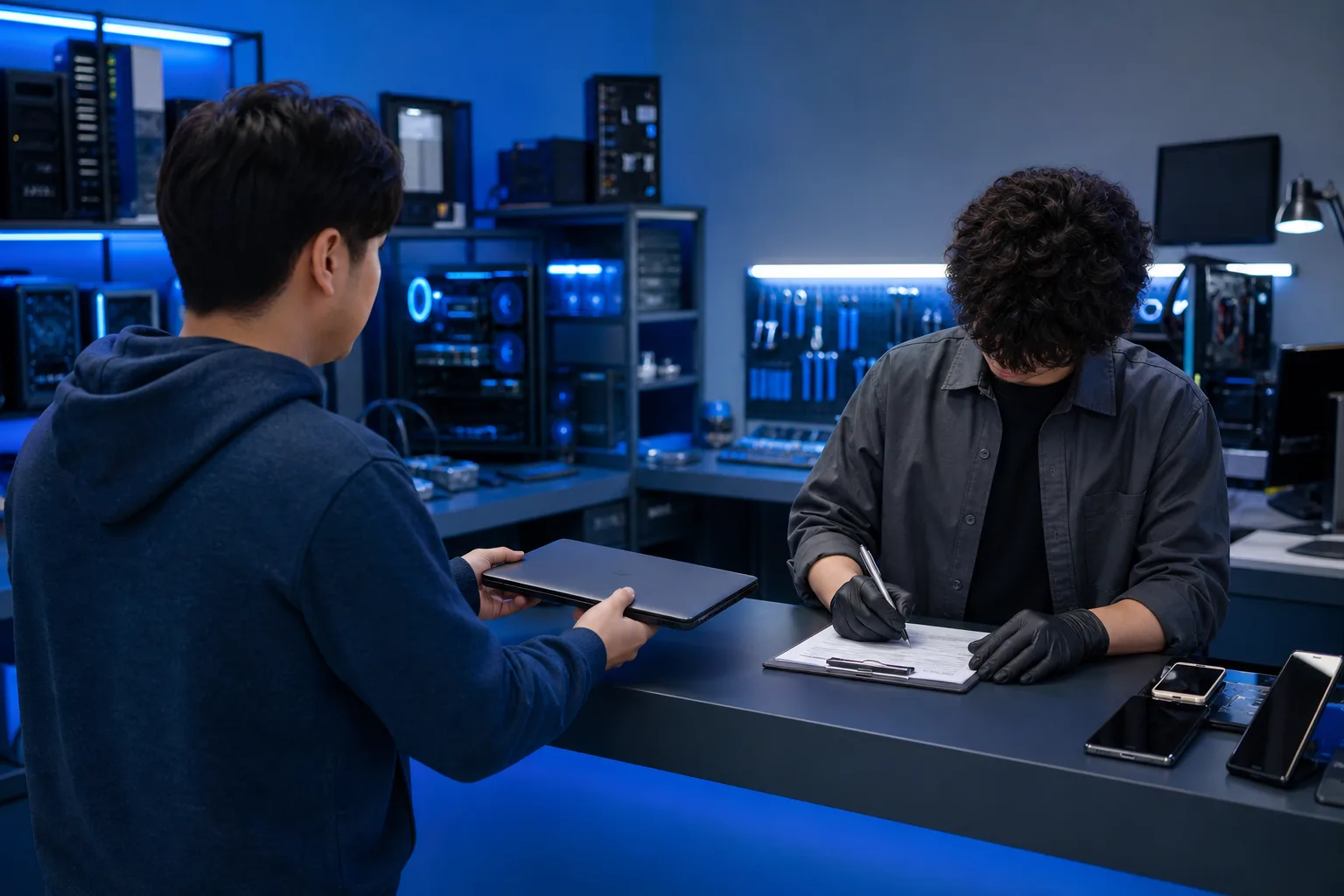
- Is there a service counter where you fill out an intake form, or do they just take the machine and write your name on a sticky note? Proper intake documentation protects both parties.
- Do they give you a receipt or work order with a job number? If there is no paper trail, there is no accountability.
- Can you see the work area, even partially? Shops confident in their work do not hide the bench.
If you are considering remote support for a software issue, the same logic applies. The tech should walk you through what they are doing and why, and they should disconnect the session when the work is complete. You should never feel like something is happening on your screen that you do not understand.
For businesses evaluating whether to use a repair shop versus a managed provider, the remote support question connects to a larger infrastructure decision. That is a different conversation, but worth noting.
Computer acting up? Get a real diagnosis. Ask about an initial check
4. Understand the Estimate Before You Agree to Anything
Ask for the repair scope, estimated parts and labor, and an approval process in writing before work begins. A verbal quote can be hard to compare or dispute; legal rights depend on the facts and applicable law.
A proper estimate should include:
- The specific problem identified
- The proposed fix and the parts required
- The labor cost, separated from parts
- The expected turnaround time
- What happens if additional issues are found during the repair
Point five is where shops vary most. Some will call you before touching anything beyond the original scope. Others will "fix" additional problems and charge for them. You want explicit agreement on the first approach.
For context on what common repairs actually cost, the computer repair page gives a realistic overview of typical services without the vague "call for pricing" runaround that makes comparison shopping impossible.
5. Ask About Turnaround Time, and Hold Them to It
Some repairs may be completed the same day when parts and technician time are available. Board repair, data recovery, and less common parts can take longer; request a job-specific timeframe.
The problem is not shops that are slow. It is shops that quote three days and take three weeks without communication. Ask directly:
- "What is your current queue like?"
- "When should I expect to hear back with a diagnosis?"
- "If there is a delay, how will you let me know?"
If they cannot answer the first question, they are either overbooked or not tracking their workload. Either way, you will be waiting.
For laptop-specific repairs, the turnaround expectations and what drives the timeline are covered in detail on the laptop repair page. Mac repairs often have their own timeline considerations because of parts availability. See Mac repair for what is typical.
6. Confirm They Cover Your Specific Device and Problem
Not every shop handles every device type or every problem category. This sounds obvious, but it is a common source of wasted time.
Confirm:
- Do they work on your operating system? Windows and macOS require different expertise.
- Do they handle hardware and software, or just one?
- If it is a business machine on a domain, do they have experience with enterprise environments?
- If you are bringing in a gaming PC with a custom build, do they understand the specific failure modes of high-thermal-load systems?
For custom gaming builds, the diagnostic process is different from a standard laptop repair. The custom gaming PC builder page gives context on what complexity looks like at the high end, which is relevant if you are bringing in a machine someone else built.
For businesses with multiple machines, a single-incident repair shop is not the right long-term answer. Business IT support and managed IT exist specifically to prevent the cycle of reactive repairs.
Common Mistakes When Choosing a Computer Repair Shop Near You
Choosing on price alone. A low quote does not reveal parts quality, labor scope, or whether later charges need approval. Compare written estimates and the repair terms.
Not asking about data handling. This is the most overlooked question. A reputable shop should have a clear, consistent answer. Anything vague should concern you.
Skipping the written estimate. Ask for the scope and cost in writing, along with how additional work will be approved.
Assuming a chain is safer than a local shop. Brand recognition is not the same as technical competence. Ask the specific location who will diagnose your device and how unusual repairs are handled.
Not asking what happens if the repair does not work. Some shops offer a warranty on parts and labor. Others do not. Know which you are dealing with before you commit.
Waiting too long to bring it in. A minor problem on a drive or a battery that is borderline does not stay minor. The computer repair page covers what symptoms warrant prompt attention versus what can wait a few days.
Bottom Line
Searching for computer repair near you in West Palm Beach or anywhere in South Florida gives you a list. Filtering that list down to a shop you can actually trust takes about fifteen minutes of due diligence: a quick look at recent reviews, a two-minute phone call, a written estimate, and a clear answer on data handling.
The shops worth using will not pressure you, will document everything, and will tell you honestly if a repair costs more than the device is worth. That last part matters. A shop that talks you out of an expensive repair on a four-year-old machine and helps you understand your options is more valuable than one that takes your money regardless.
If you are in West Palm Beach or the surrounding area and want to skip the research process, you can book a repair directly or reach out through the contact page to describe the problem first. Either way, you will get a straight answer before any work begins.
Computer acting up? Get a real diagnosis.
Fix My PC Store handles computer repair in West Palm Beach. Initial checks are free for most standard in-store repairs; advanced diagnostics may have a disclosed fee.