At-Home Computer Repair vs. In-Store: Which Is Better?
TL;DR: At-home computer repair works great for simple fixes, setup tasks, and people who genuinely cannot leave the house. A shop may help when hardware work needs bench tools; an on-site visit may help with local setup or a machine that is hard to move. Compare scope, tools, price, and timing for your case. Know the difference before you book.
At a Glance
| At-Home Repair | In-Store Repair | |
|---|---|---|
| Cost | Ask about travel and repeat visits | Ask for parts and labor estimate |
| Speed | Depends on appointment and parts | Depends on workload and parts |
| Tools | Ask what the tech brings | Ask what bench tests are available |
| Parts | Confirm what can be brought | Confirm stock and ordering time |
| Convenience | No device transport | Requires a drop-off |
| Data access | Agree on permissions and backup | Agree on permissions and backup |
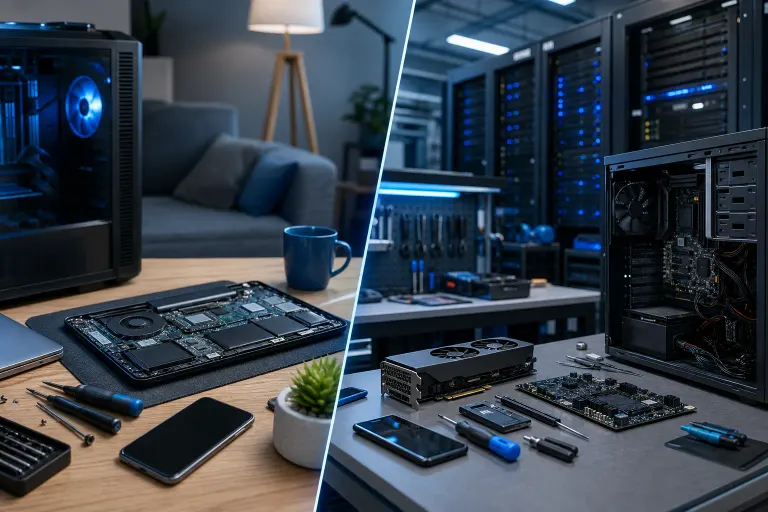
| Good fit | Local network/setup or hard-to-move device | Work requiring a bench or specialist tools |
What At-Home Computer Repair Actually Means
At-home computer repair means a technician comes to your house or office, diagnoses your machine on-site, and fixes what they can with the tools they brought. Sounds simple. It mostly is, until it is not.
The experience varies wildly depending on who shows up. For either provider, verify identity, relevant experience, data-access terms, and a way to follow up after the job.
That said, at-home visits have a legitimate place. If you are elderly, have mobility issues, or run a small office where pulling a machine means shutting down a workflow, someone coming to you solves a real problem.
What it handles well
- Router and network setup
- Software installs and configuration
- Printer and peripheral troubleshooting
- Software and malware assessment when the device can be accessed safely
- New device setup and data transfer for non-urgent situations
- Walk-throughs for less tech-comfortable users
Where it falls short
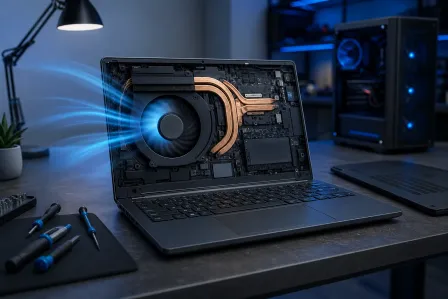
Hardware diagnosis is the big one. A technician can perform some hardware tests on-site; ask what tools and substitute parts are available and whether a bench visit may be needed.
Parts are also a limitation. If your laptop needs a new DC jack, a keyboard, or a screen, ask whether the exact part can be brought on the first visit or whether another visit would be needed. The convenience factor evaporates fast.
Cost is the other issue most people miss. Travel and repeat-visit charges vary. Ask for the total estimate, including what happens if the repair needs shop equipment.
What In-Store Computer Repair Actually Gives You
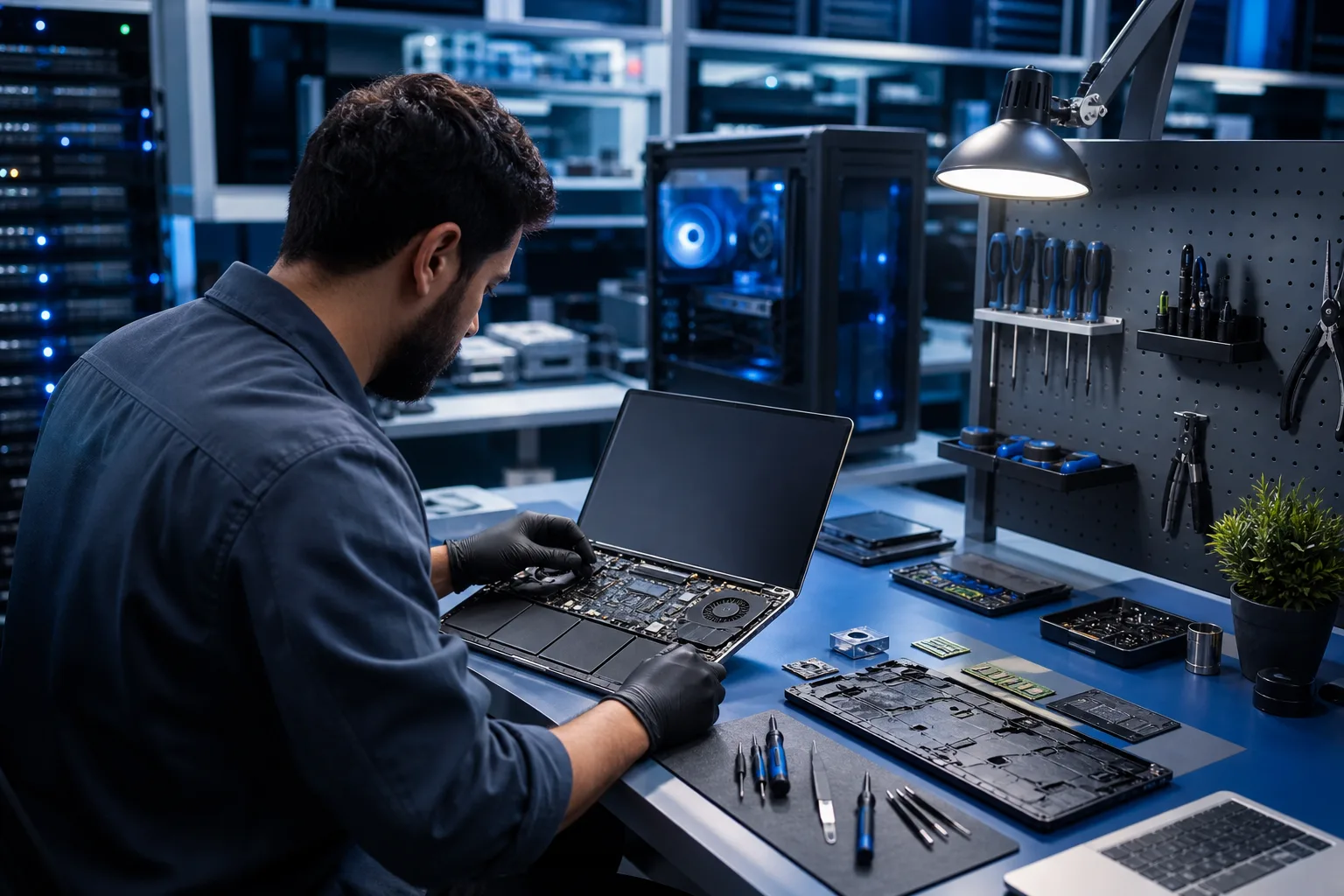
Bringing your machine to a computer repair shop means a technician may have access to test equipment and parts. Ask which resources are available for your device. That is not a small advantage.
A proper shop can run overnight diagnostics, pull and test individual components, and have a clearer picture of what is wrong before you approve repair work. Fix My PC Store says initial checks are free for most standard in-store repairs; advanced diagnostics may have a disclosed fee.
Turnaround depends on the diagnosis, workload, and part availability. Cracked laptop screen, failing hard drive, overheating GPU, corrupted Windows installation. These are all bench repairs that go faster with the right setup.
The tradeoffs are real
You have to bring the machine in. If that is a desktop tower buried under a desk or a laptop you use for work every hour of the day, that is a real friction point.
And yes, you are handing your device to someone. That is a trust decision. It is worth choosing a shop with a physical address, real reviews, and transparent policies. Accountability matters.
Some laptop repairs benefit from a bench and model-specific tools; other tasks can be handled on-site. Ask what the particular repair requires.
The Cost Comparison (Honest Version)
Rates and billing methods vary by provider. Get a written estimate for the full job, including any diagnostic, parts, travel, and return-visit charges. Ask how changes will be approved. Compare the total cost and scope for your exact issue.
If cost is the main concern, remote support is worth considering for anything software-related. A technician connects to your machine over a secure session, may assess a suitable issue with your permission. Ask about session availability, billing, and whether an in-person repair could still be needed.
Computer acting up? Get a real diagnosis. Book a free diagnostic
Security: The Question Nobody Asks
Both options require you to trust a stranger with your machine and your data. The question is which situation gives you more accountability.
With an at-home tech, you are present, which feels safer. But "present" does not mean you are watching every click. For either setting, ask who will access the device, how data is handled, and what the written follow-up and warranty terms say.
For business machines especially, this matters. If a device has customer data, financial records, or any sensitive company information, require a documented data-access process from any provider, in-store or on-site. Restrict access to what the repair needs.
If your business is thinking about this more broadly, that is really a managed IT conversation. Reactive repair is fine for one-off problems. Recurring issues with business machines usually signal something structural that needs a longer-term fix.
Mac vs. PC: Does the Platform Change the Answer?
Slightly, yes.
Macs are harder to repair at home in general. Apple's proprietary hardware, the soldered components on newer models, and the tight integration between software and hardware mean even experienced techs prefer a proper setup. For Mac repair, ask what tools, parts, and model-specific experience the job needs and whether it can be done on-site.
Windows PCs vary. An older tower with a modular design is genuinely easier for an at-home tech to work on. A modern thin-and-light laptop with a soldered SSD and proprietary battery connector is not. Know what you have before assuming a house call is practical.
When At-Home Computer Repair Is the Right Call
Be honest with yourself about the situation. At-home service can be useful in several cases; ask about its total cost.
You cannot easily transport the machine. A full desktop setup in a home office, multiple monitors, peripherals. Breaking it down and hauling it somewhere is genuinely painful.
The issue is clearly software. If your machine boots fine but Windows is misbehaving, applications are crashing, or you need a fresh setup and data migration, a skilled tech can handle that in your living room.
You need on-site network or setup help. Router configuration, getting devices talking to each other, setting up a new machine in place. These make more sense at your location than at a shop bench.
You run a small office that cannot go down. Some business IT problems need someone on-site. A shop visit is not always an option when the problem is a server, a network switch, or a setup that cannot be easily moved.
For suspected hardware failure, data recovery, or physical damage, ask whether the provider needs bench equipment and how to protect data before moving the device.
Verdict
At-home computer repair is a legitimate service for the right problems and the right situations. Its suitability and cost depend on the job and provider.
If your problem is software, setup, or you genuinely cannot make a trip, a home visit or a remote support session makes sense. If your machine has a hardware issue, is making bad sounds, will not boot, or needs physical parts, bring it in. Ask whether a bench will improve diagnosis for your specific device and get a time estimate.
West Palm Beach and South Florida folks, you have a local option with a real address and real accountability. Book a repair or drop by and we will tell you straight what it needs and what it will cost. No runaround.
Computer acting up? Get a real diagnosis.
Fix My PC Store has repaired thousands of machines across West Palm Beach. Initial checks are free for most standard in-store repairs; ask about any advanced diagnostic fee before work begins.