¿Cambias tu iPhone por uno nuevo o lo reparas?
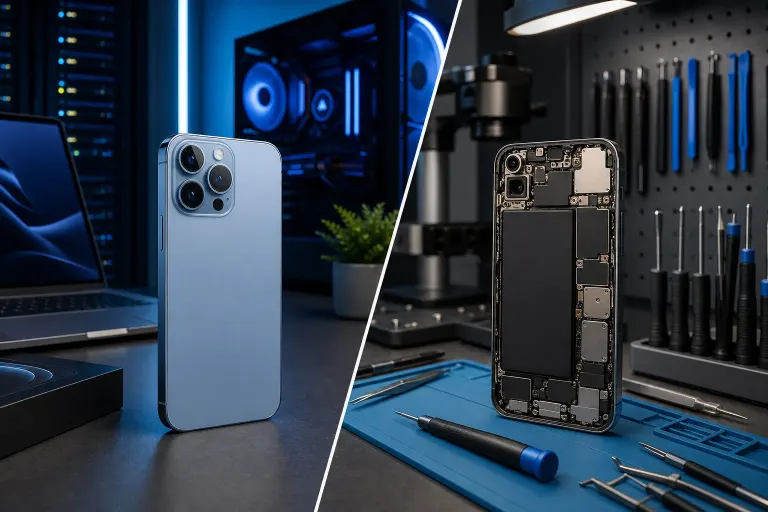
Resumen rápido: Antes de reemplazar un iPhone, pide un presupuesto para tu modelo y compáralo con el costo total y ventajas de un equipo nuevo. Los casos en que vale la pena actualizar son reales, pero son menos comunes de lo que el marketing de Apple sugiere.
Lo que necesitas
- Tu iPhone actual (obvio)
- Tu factura mensual del teléfono o los detalles del plan de actualización de tu operadora
- Una idea general de qué le está pasando a tu teléfono
- Unos 10 minutos para analizarlo con sinceridad
No necesitas herramientas especiales ni aplicaciones. Solo una mente despejada y la disposición de ser honesto contigo mismo sobre si realmente necesitas ese teléfono nuevo o simplemente lo quieres. Ambas razones son válidas, pero llevan a decisiones distintas.
Paso 1: Identifica qué le pasa exactamente a tu teléfono
En serio. Escríbelo.
¿La pantalla está rota pero funciona? Eso es trabajo de reparación, no razón para cambiar el teléfono. ¿La batería se acaba antes de las 2 de la tarde? También se repara. ¿La cámara está rota de verdad o simplemente sale borrosa porque el lente está sucio? (Primero limpia el lente. Te sorprendería el resultado.)
Problemas comunes que la gente confunde con señales de que ya es hora de actualizar:
- Batería que se descarga rápido. Hay servicio de batería para muchos modelos; compara el presupuesto actual con el costo de reemplazo.
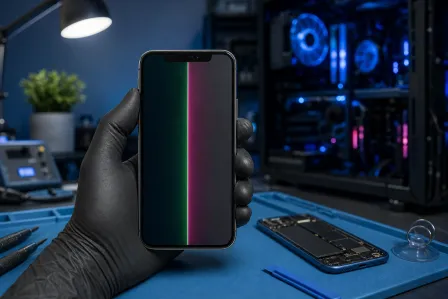
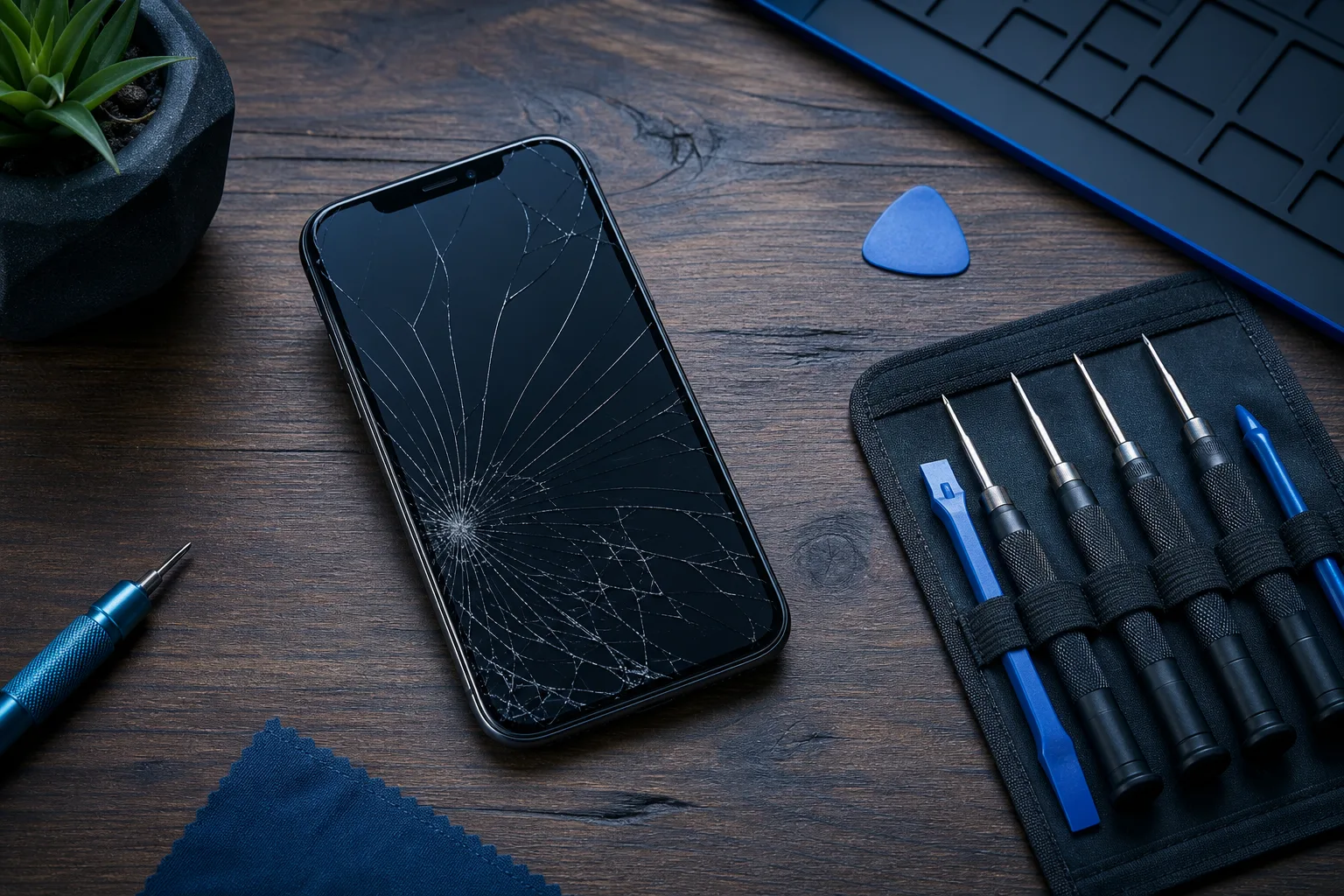
- Pantalla rota. El reemplazo de pantalla es una de las reparaciones más comunes en el taller. Incluso en modelos recientes.
- Puerto de carga que no funciona. Puede deberse a suciedad, cable, batería o puerto; el diagnóstico determina la solución.
- Rendimiento lento. Puede deberse a batería, almacenamiento, apps, software o hardware; compruébalo antes de decidir. No siempre es una falla irreversible del hardware.
- Problemas con el altavoz o el micrófono. Son componentes que se pueden reemplazar en la mayoría de los modelos.
Si tu problema está en esa lista, probablemente lo que tienes es una reparación, no una razón para comprar un teléfono nuevo. Visita nuestra página de reparación de iPhone e iPad para ver cómo lucen esas reparaciones en la práctica.
Paso 2: Averigua cuánto costaría la reparación
No lo adivines. Consigue un número real.
Apple publica estimaciones según el modelo. Pide el presupuesto actual de Fix My PC Store y compara ambos, incluida la cobertura, piezas y garantía. El objetivo no es elegir un taller ahora mismo, sino tener una cifra real antes de compararla con el costo de actualizar.
Los precios de batería y pantalla varían según modelo, pieza, proveedor y cobertura. Pide presupuestos actuales antes de compararlos con un equipo nuevo.
Si no estás seguro de qué tiene tu teléfono y quieres un diagnóstico antes de comprometerte con algo, agenda una reparación y te diremos con toda claridad qué se necesita.
Paso 3: Calcula el costo real de actualizar
Aquí es donde la gente se engaña más.
El pago mensual de la operadora parece pequeño. $35 al mes suena bien hasta que te das cuenta de que son $840 en dos años, y el financiamiento puede incluir intereses o condiciones promocionales; lee el contrato. Suma los cargos de activación, el costo de una funda nueva y posiblemente un nuevo cable de carga si tus accesorios no son compatibles, y ya estás muy por encima del precio de lista.
Y si vas a entregar tu teléfono actual como parte del pago, obtén una cotización de intercambio real de varias fuentes. Compara ofertas de canje y condiciones de los créditos de la operadora.
Haz el cálculo con honestidad:
- Costo total del teléfono nuevo en 24 meses (incluyendo cargos por financiamiento, accesorios e impuestos)
- Menos el valor de canje de la mejor oferta que encuentres
- Versus el costo de la reparación hoy, una sola vez, y listo
La opción de menor costo depende del presupuesto, canje, financiamiento y vida útil. La pregunta es si la actualización ofrece algo que tu teléfono actual genuinamente no puede darte.
¿Pantalla rota o teléfono que no retiene la carga? Solicita una cotización de reparación
Paso 4: Verifica si tu iPhone actual puede ejecutar la última versión de iOS
Esto importa y la gente lo pasa por alto.
Apple deja de dar soporte a los dispositivos más antiguos para actualizaciones de iOS a partir de cierto punto. Cuando un teléfono no puede instalar la versión más reciente de iOS, puede perder funciones o compatibilidad con apps. Apple a veces publica parches para versiones anteriores; revisa por separado el soporte de seguridad. Esa sí es una razón legítima para considerar actualizar, no solo un empujón de marketing.
Apple publica qué dispositivos son compatibles con la versión actual de iOS. Búscalo. Si todavía recibe actualizaciones, considera también reparación, rendimiento y funciones.
Si ya no recibe actualizaciones de seguridad y almacenas información sensible (aplicaciones bancarias, correo del trabajo, cualquier cosa personal), el tema de seguridad es real. Las vulnerabilidades sin parche en un teléfono que ya salió del ciclo de actualizaciones no son un riesgo teórico. Si quieres entender cómo se ve esa exposición, nuestra página de ciberseguridad empresarial tiene información que también aplica a dispositivos personales.
Paso 5: Sé honesto sobre lo que el teléfono nuevo realmente te ofrece
Haz una lista de las funciones del nuevo iPhone que realmente usarías. No en teoría. En la práctica.
¿Mejor cámara? ¿Grabas mucho video o trabajas en algo donde la calidad de imagen importa? Válido.
¿Procesador más rápido? El rendimiento depende del modelo, batería, almacenamiento, red y apps; investiga el problema antes de asumir que necesitas un chip nuevo.
¿Pantalla ProMotion? ¿Conectividad satelital? ¿Mejoras de MagSafe? Son funciones reales. Si valen el costo total actual es una decisión personal, pero sé honesto al respecto.
Actualizar tiene sentido claro si:
- Tu teléfono está más allá de una reparación económica (marco doblado, daño por agua generalizado, falla en la placa lógica)
- Ya no recibe actualizaciones de iOS y lo usas para tareas con información sensible
- La cámara o una función específica es central para tu trabajo y el nuevo modelo ofrece una mejora significativa
- Fallan varios componentes y el costo de reparación se acerca al reemplazo
Reparar tiene sentido claro si:
- Solo una cosa específica está rota y todo lo demás funciona bien
- El teléfono todavía recibe actualizaciones de seguridad adecuadas
- Reparar y terminar el plan cuesta menos que cambiar de plan
- Simplemente no quieres lidiar con la configuración de un teléfono nuevo (válido, de verdad)
Paso 6: Si decides reparar, haz una copia de seguridad primero
Siempre. Antes de cualquier reparación.
Haz la copia en iCloud o en tu computadora a través de Finder en macOS Catalina o posterior (o iTunes en macOS Mojave o anterior). Los cambios de pantalla y batería son generalmente de bajo riesgo, pero la posibilidad de pérdida de datos durante cualquier reparación no es cero, y no hay razón para aprenderlo de la manera difícil.
Si también piensas en las copias de seguridad de dispositivos de trabajo, nuestra página de copias de seguridad y recuperación ante desastres cubre el panorama más amplio para los datos empresariales.
Una vez que hayas hecho la copia de seguridad, contáctanos o visítanos directamente. Estamos en West Palm Beach y trabajamos con iPhones, iPads y dispositivos Android.
Errores comunes
Asumir que lo más nuevo es más rápido para todo lo que haces. Los tiempos de carga de las aplicaciones, la velocidad de navegación y la duración de la batería dependen de muchos factores. La batería y el almacenamiento afectan el rendimiento; compara los equipos concretos.
Olvidar el costo oculto de la configuración. Restaurar desde una copia de seguridad está bien, pero nunca es perfecto. Pasarás horas volviendo a iniciar sesión en aplicaciones, reajustando preferencias y reactivando la autenticación de dos factores. Ese tiempo tiene valor.
Pedir cotizaciones de reparación solo al fabricante. Los precios de reparación oficial de Apple no siempre son la mejor opción. Compara presupuestos locales y de Apple, además de piezas, cobertura y garantía.
Tomar una decisión basándote en un solo síntoma sin diagnosticar el problema real. Un teléfono lento podría ser la batería, el almacenamiento, una aplicación descontrolada u otra cosa. Obtén un diagnóstico antes de decidir que el teléfono ya no sirve.
Actualizar justo antes de que salga un nuevo modelo. Si de todas formas vas a comprar uno nuevo, al menos verifica si hay un nuevo modelo a pocos meses de distancia. Los precios y promociones pueden cambiar; revisa ofertas actuales antes de comprar.
Ignorar Android por completo. Ya sé, ya sé. Pero si vas a gastar más de $1,000 en un iPhone y no estás profundamente integrado en el ecosistema de Apple, vale la pena echarle un vistazo honesto a la alternativa. El lado Android tiene hardware excelente a varios precios. Eso es todo lo que diré.
Conclusión
Reparar puede convenir cuando el presupuesto es favorable y el equipo cumple tus necesidades. No porque los iPhones nuevos no sean buenos, sí lo son, sino porque los números rara vez cuadran de la manera en que parecen en la tienda de la operadora.
Si solo una cosa está rota y todo lo demás funciona, arregla esa cosa. Si tu teléfono tiene años, ya salió del ciclo de actualizaciones y varias cosas están fallando, esa es una historia diferente y probablemente tiene sentido actualizar.
Cuando estés listo para obtener una respuesta real sobre tu teléfono específico, agenda una reparación o contáctanos directamente. Somos locales, te decimos la verdad sobre qué vale la pena reparar y no te vamos a decir que compres un teléfono nuevo solo para venderte un cambio de pantalla. Así no trabajamos.
¿Pantalla rota o teléfono que no retiene la carga?
Tráelo. Pregunta por el plazo actual y la garantía de la pieza para tu equipo.
Solicita una cotización de reparación
Preguntas frecuentes
¿Cómo sé si vale la pena reparar mi iPhone?
Obtén una cotización específica de reparación y compárala con el costo real de un teléfono nuevo en dos años, incluyendo financiamiento y accesorios. No hay un porcentaje universal. Compara el presupuesto con el costo neto de reemplazo, soporte de seguridad, vida útil prevista y funciones necesarias. Un taller local puede diagnosticar el problema real antes de que te comprometas con nada.
¿Es seguro reemplazar la batería de un iPhone en un taller independiente?
Sí, siempre que el taller use baterías de reemplazo de calidad y tenga experiencia con tu modelo de iPhone. Pregunta si la batería de reemplazo es OEM o una pieza de posventa de buena reputación. Un buen taller será transparente al respecto. El servicio oficial de batería fuera de garantía de Apple es una opción, pero no es la única legítima.
¿Reparar mi iPhone en un taller independiente anula la garantía?
Una reparación independiente no anula automáticamente toda la garantía según la ley de EE. UU., pero los daños causados por ella pueden quedar excluidos. Revisa la cobertura y condiciones de Apple antes de elegir y guarda los documentos de la reparación.
¿Cuándo realmente tiene sentido actualizar en lugar de reparar?
Actualizar tiene claro sentido cuando tu teléfono ya no puede recibir actualizaciones de iOS y lo usas para tareas con información sensible, cuando varios componentes están fallando al mismo tiempo, o cuando el costo de reparación se acerca al precio de un dispositivo nuevo ajustado por el valor de canje. Una sola pantalla rota o batería muerta rara vez es una buena razón para actualizar por sí sola.
¿Cuánto tiempo debería durar un iPhone antes de reemplazarlo?
Con buen cuidado y uno o dos reemplazos de batería, muchos iPhones funcionan bien durante cuatro a seis años. Apple no promete un plazo único para cada modelo; revisa compatibilidad con iOS y las publicaciones de seguridad para tu equipo. El factor limitante suele ser la salud de la batería, el soporte de software o la falla de un componente específico, no que el teléfono envejezca de forma mágica.
¿Puede un taller de reparación arreglar un iPhone con daño por agua?
A veces, pero el daño por agua es la categoría de reparación con mayor incertidumbre. El éxito depende en gran medida de qué tan rápido se secó el teléfono, qué componentes fueron afectados y el modelo. Un técnico puede abrir el dispositivo, evaluar la corrosión y darte un pronóstico honesto. Vale la pena hacer un diagnóstico antes de dar el teléfono por perdido.
El diagnóstico de computadora cuesta $60 y se acredita a su reparación. Los clientes nuevos pueden obtenerlo gratis con nuestro cupón por correo electrónico (formulario en inglés).